++
✎
Annotate in place
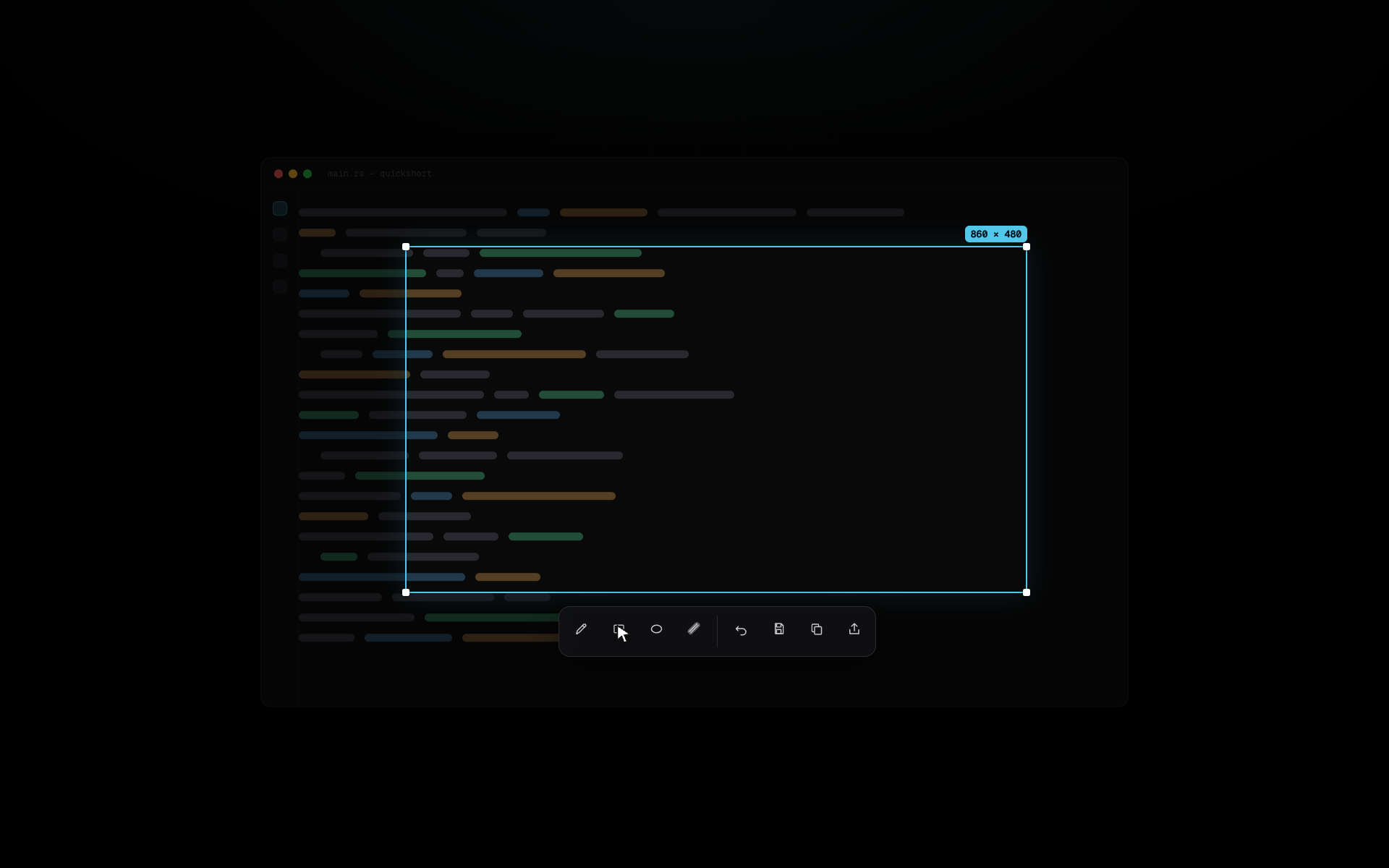
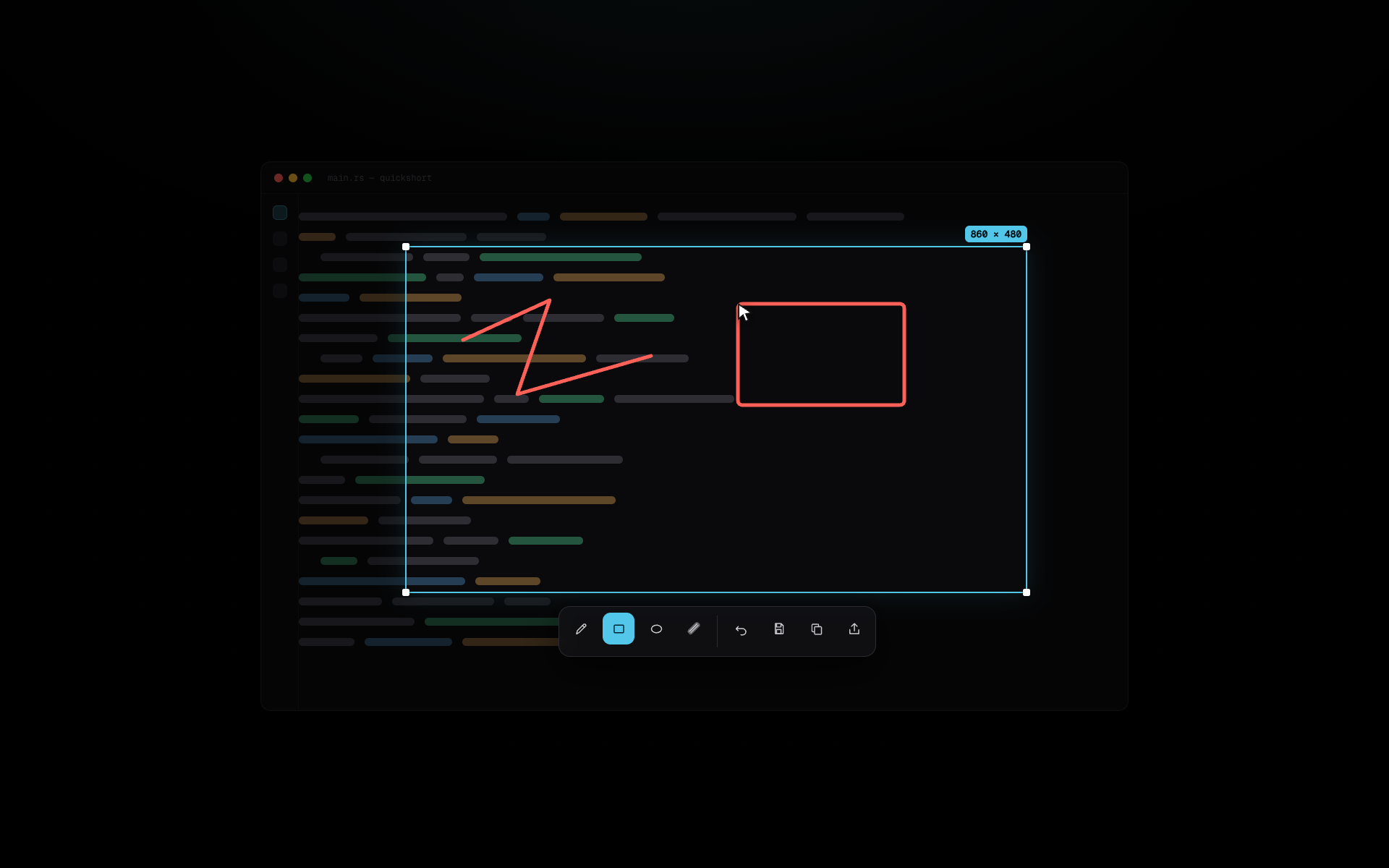
Draw directly on the dimmed overlay — pen, arrow, rectangle, ellipse, highlighter, text, pixelate — everything confined to the captured region. The text tool is a real editing box: font sizes (12–48), bold toggle, caret, selection and ⌘A, with IME input for Vietnamese. Every shape and text block stays editable — the Select tool picks it up, drags it somewhere better, or deletes it. Strokes live on a physical-resolution layer, so they stay as sharp as the capture itself. Undo and redo are one click.
⌘
Global hotkey, resident tray
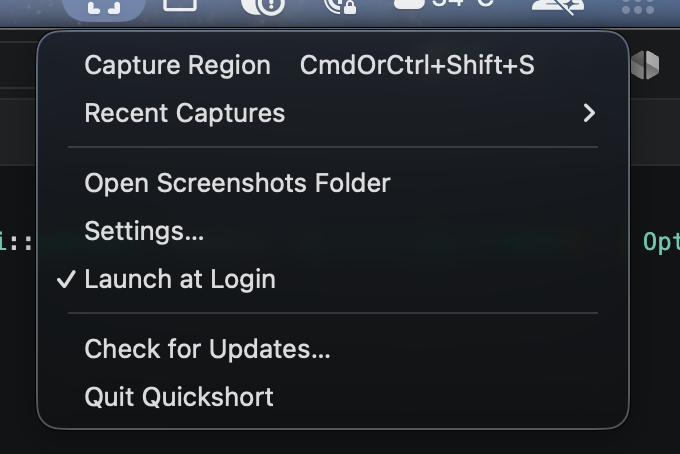
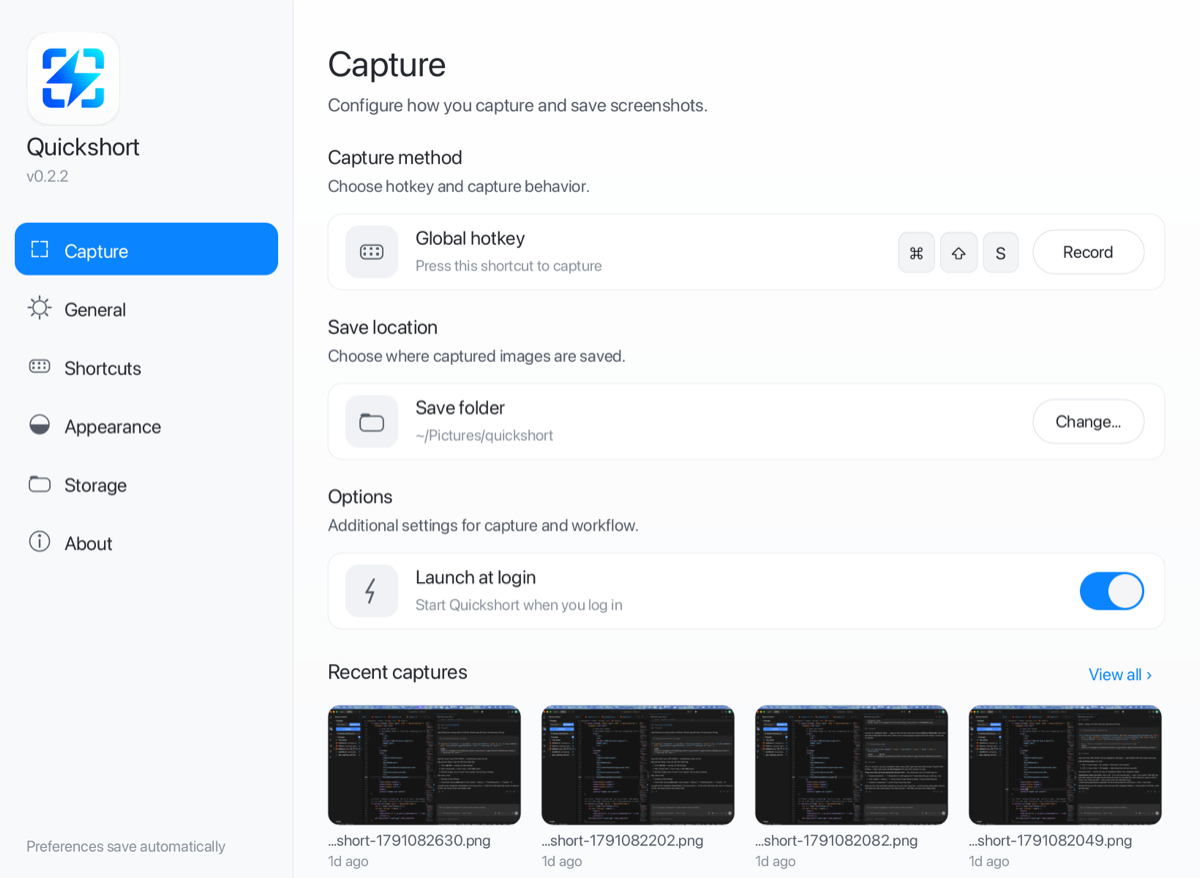
Quickshort sits in the menu bar. Press ⌘⇧S from anywhere and a dimmed overlay covers every monitor at once. Esc cancels, and the shortcut is re-recordable in Settings.
2×
Physical pixels, always
Captures request framebuffer resolution, not logical points. On a Retina display the PNG is 2880px wide and text stays crisp at 100% zoom. Mixed-DPI setups map each monitor through its own scale.

OCR with OS engines
⌘T runs the selection through macOS Vision (Windows.Media.Ocr on Windows) and puts the text on your clipboard with a toast confirmation. Native engines, no bundled models, no cloud calls.
⇄
Cross-monitor selection
Start a drag on one display and finish it on another. Each monitor's crop is mapped through its own origin and DPI, then stitched into a single image.
⛓
Share links that outlive the app
⌘L uploads the capture to a Cloudflare edge worker and drops a public link on your clipboard — still serving the image 7 days later, long after you quit.
∅
Local-first, no account
No sign-up, no telemetry, nothing leaves your machine. Captures land in your folder, settings live in a plain config file, and sharing runs through a minimal relay — not third-party storage.
❯
Scriptable one-shot
quickshort --capture --out shot.png skips the tray lifecycle — select, act, exit. --delay waits for menus and tooltips, so it composes with launchd, CI jobs, or a shell alias.
↻
Self-updating
The tray checks GitHub Releases once a day. An update downloads the new .app, verifies its SHA-256, swaps it in place with rollback on failure, and relaunches. A stable self-signed identity keeps Screen Recording and Accessibility grants intact.
●
Screen recording
⌘R turns the selection into a live mp4 — PipeWire on Wayland, ScreenCaptureKit on macOS, GDI on Windows. ffmpeg encodes on a worker at 15fps with wall-clock duration, so a slow encode drops frames instead of shrinking the clip. A floating REC card ends it.
⇊
Scrolling capture
⌘G re-grabs the region while you scroll and stitches the frames into one tall image — long docs, threads, and chat logs that never fit on one screen.
✦
Pin & beautify
Pin floats a capture always-on-top as a reference you can drag anywhere. Beautify mounts it on a soft gradient backdrop with rounded corners and a drop shadow — ready for docs and posts.
++